Maintenance contractors
I run a maintenance company.
Start free and run your next Work Order in TradelyHQ.
One platform. Two sides of the job.
Contractors run the work. Clients request service, follow progress, and manage their sites. Everyone gets a clear view without the back-and-forth.
One job. Two clear views.
Contractors manage the work. Clients follow it.
ContractorLog calls, emails, integrations, or portal requests.
ClientChoose a site, describe the issue, and add photos.
ContractorSet the priority, schedule the visit, and assign a tech.
ClientKnow the request was received and track its status.
ContractorCapture notes, photos, arrival, completion, and signatures.
ClientSee updates and proof as the work gets done.
ContractorSend the quote for approval.
ClientReview the quote and approve it.
ContractorSend the invoice and keep its status with the job.
ClientReview and pay the invoice.
For commercial maintenance contractors
Give the office, field team, and client one connected Work Order. Your notes, costs, margins, and team controls stay private.
Enter it from the office or receive it from the Client Portal with the site, issue, and photos attached.
Set the priority, schedule the visit, and assign the work.
Techs add notes, photos, timestamps, completion details, and signatures from the field.
Send the quote and record the decision.
An invoice draft is automatically created after a job is completed. Review and send it to your clients with just the click of a button.
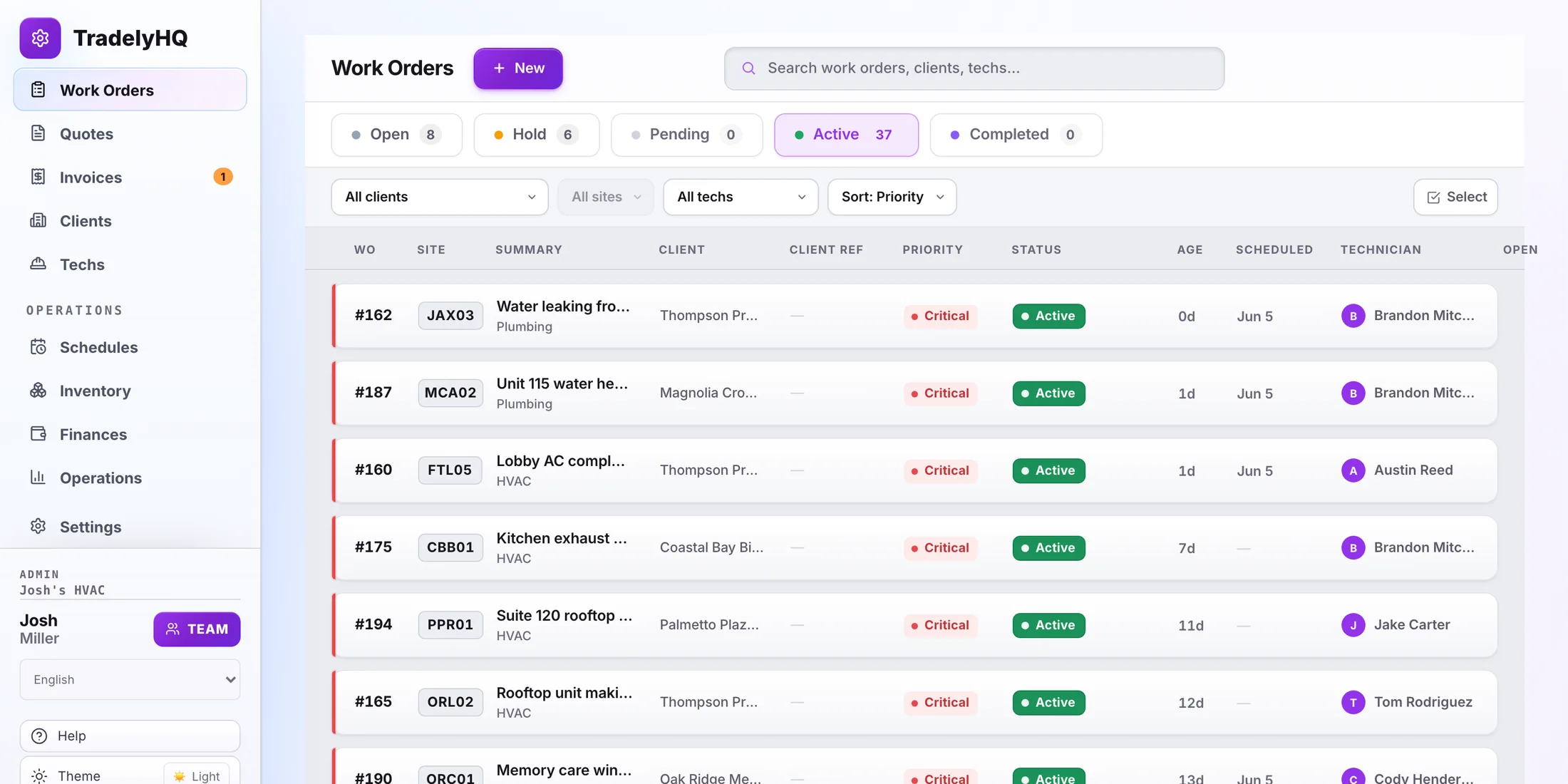
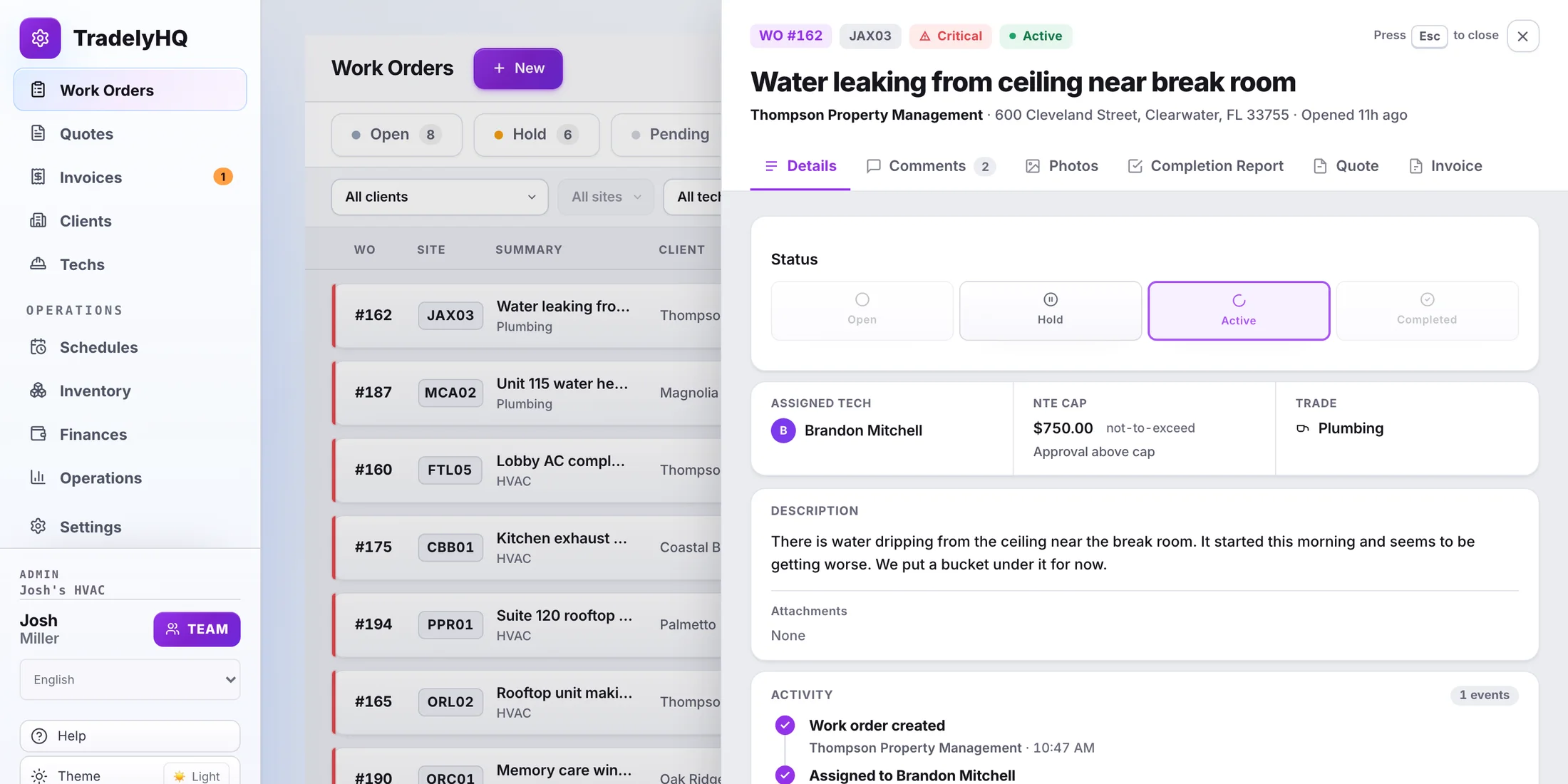
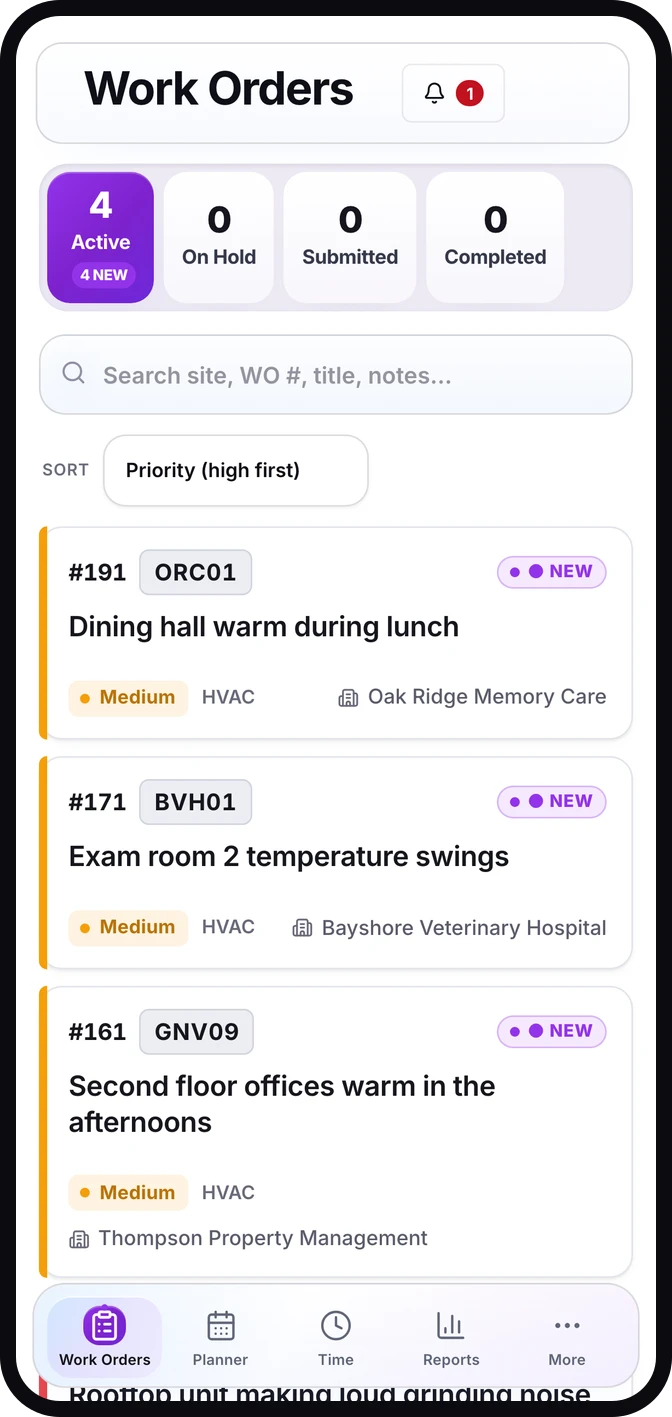
The contractor workflow in 60 seconds
See how the office and field team keep the whole job together.

For property and facilities teams
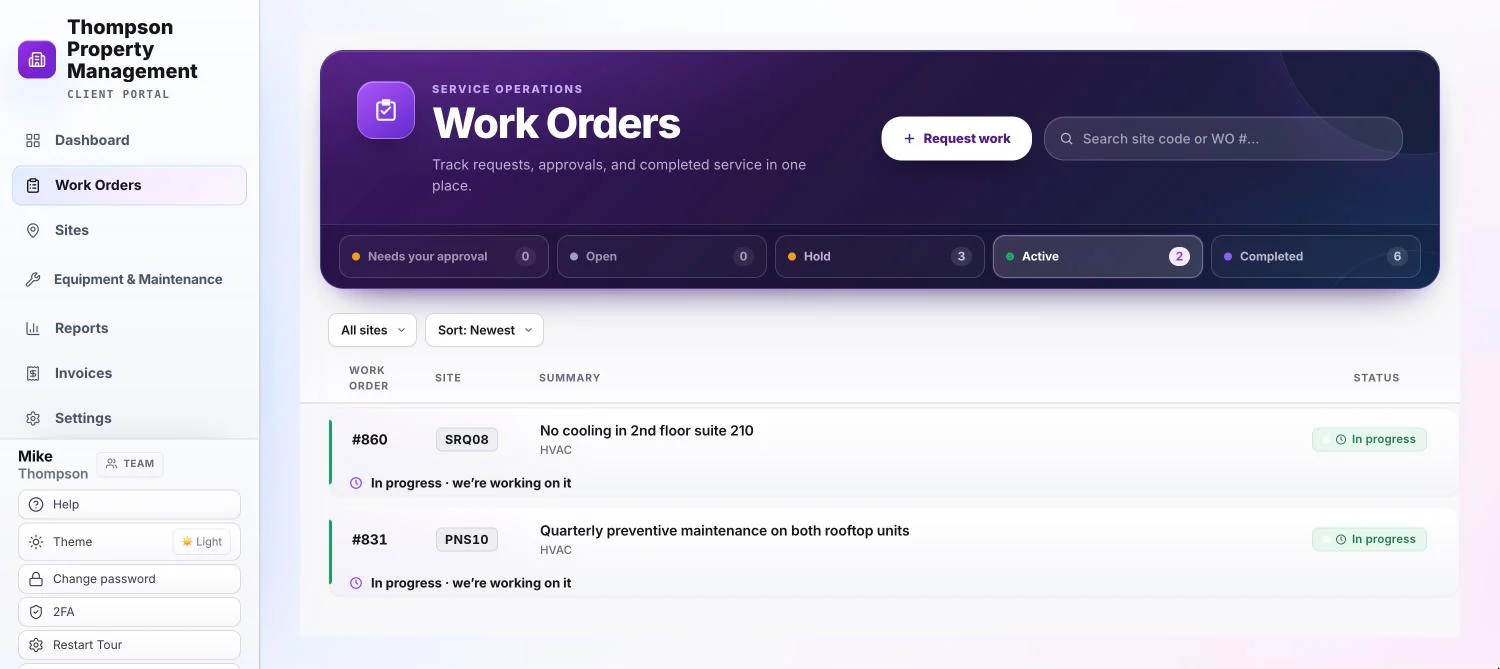
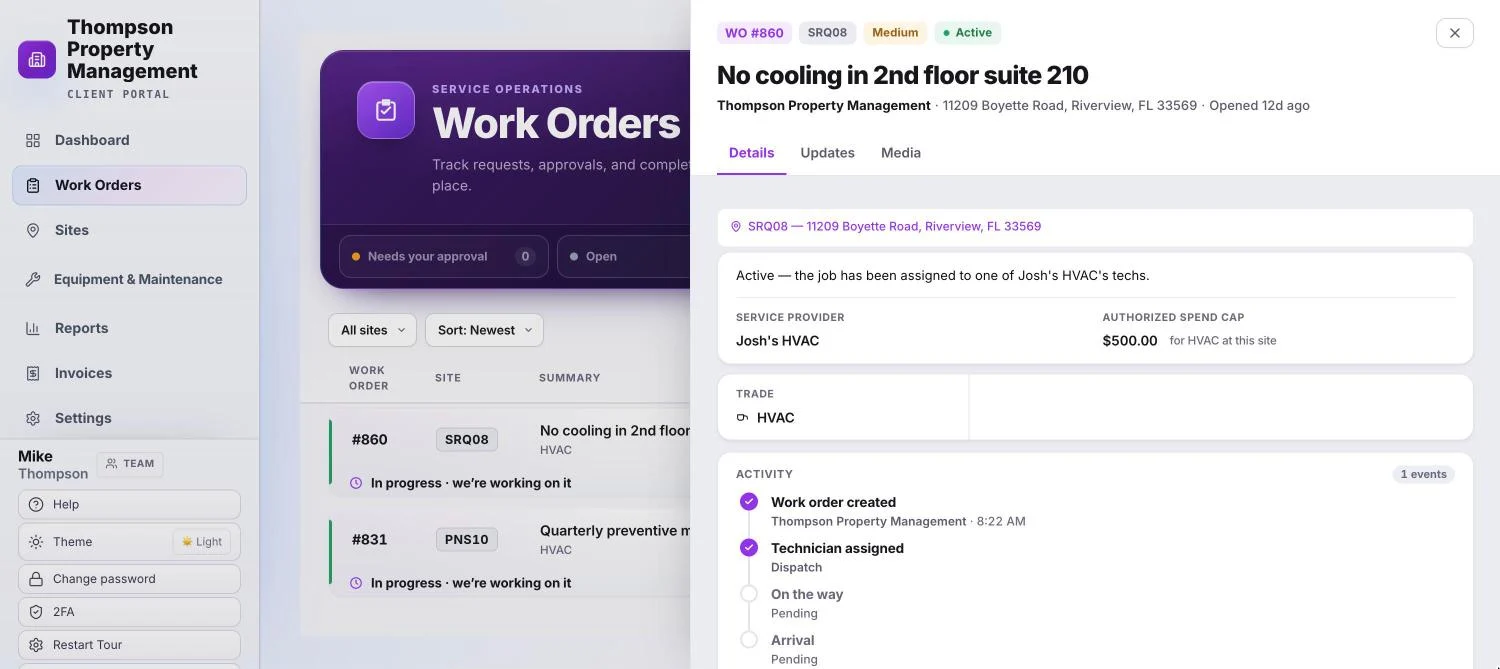
Request work, follow progress, review quotes, and see completion proof. Everything stays organized by location.
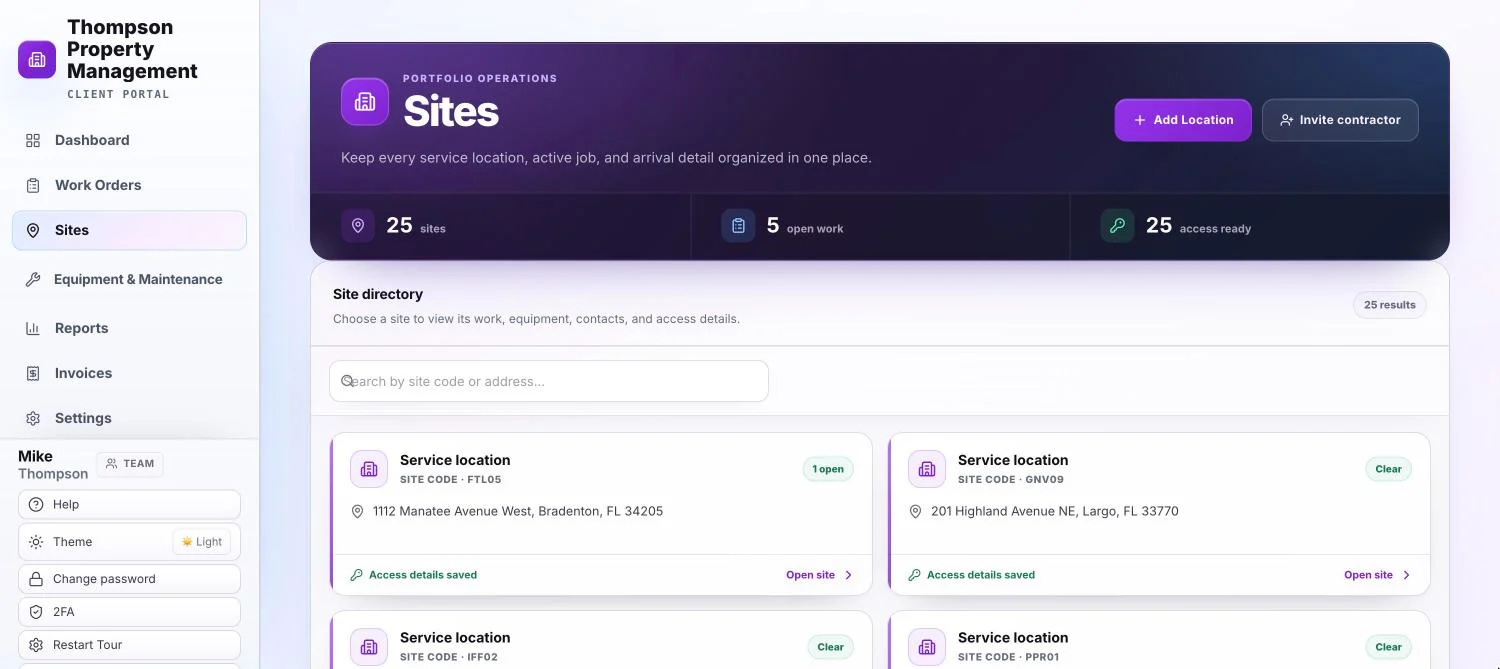
Built for a single location or an entire portfolio. Retail, restaurants, schools, churches, property teams, and more.
Choose the location, explain the issue, and add photos.
Follow status, messages, and proof as the job moves forward.
Move between every location your team manages.
Review quotes, approvals, completed work, equipment, and maintenance.
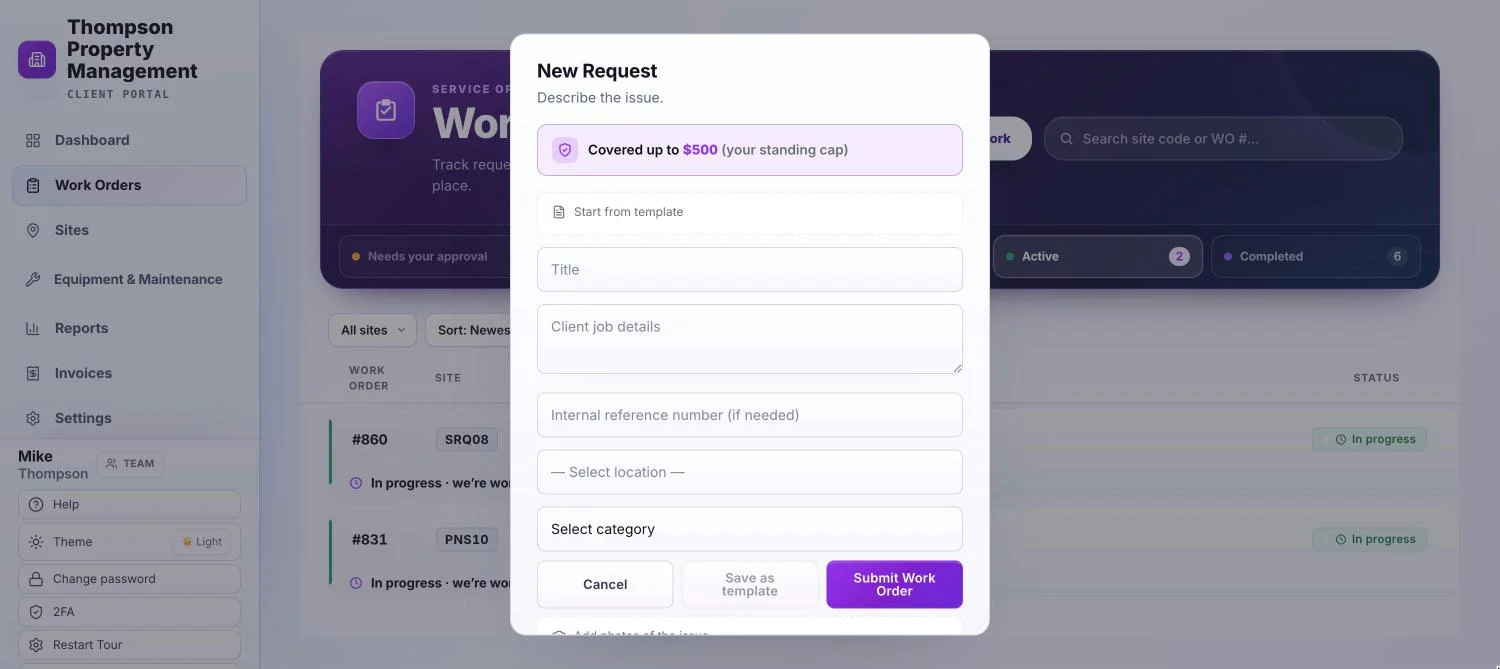
Optional for Client companies
Catalog equipment, furniture, documents, service history, and maintenance plans by location. When something needs work, send its full record with the request.
Cedar & Pine Retail · CEDAR-MAIN
TradelyHQ work and outside repairs, clearly labeled.
The site, condition, documents, and service history stay with the request.
Choose your side
Maintenance contractors
Start free and run your next Work Order in TradelyHQ.
Property and facilities teams
Create a free Client Portal, join through a contractor invite, or sign in.